
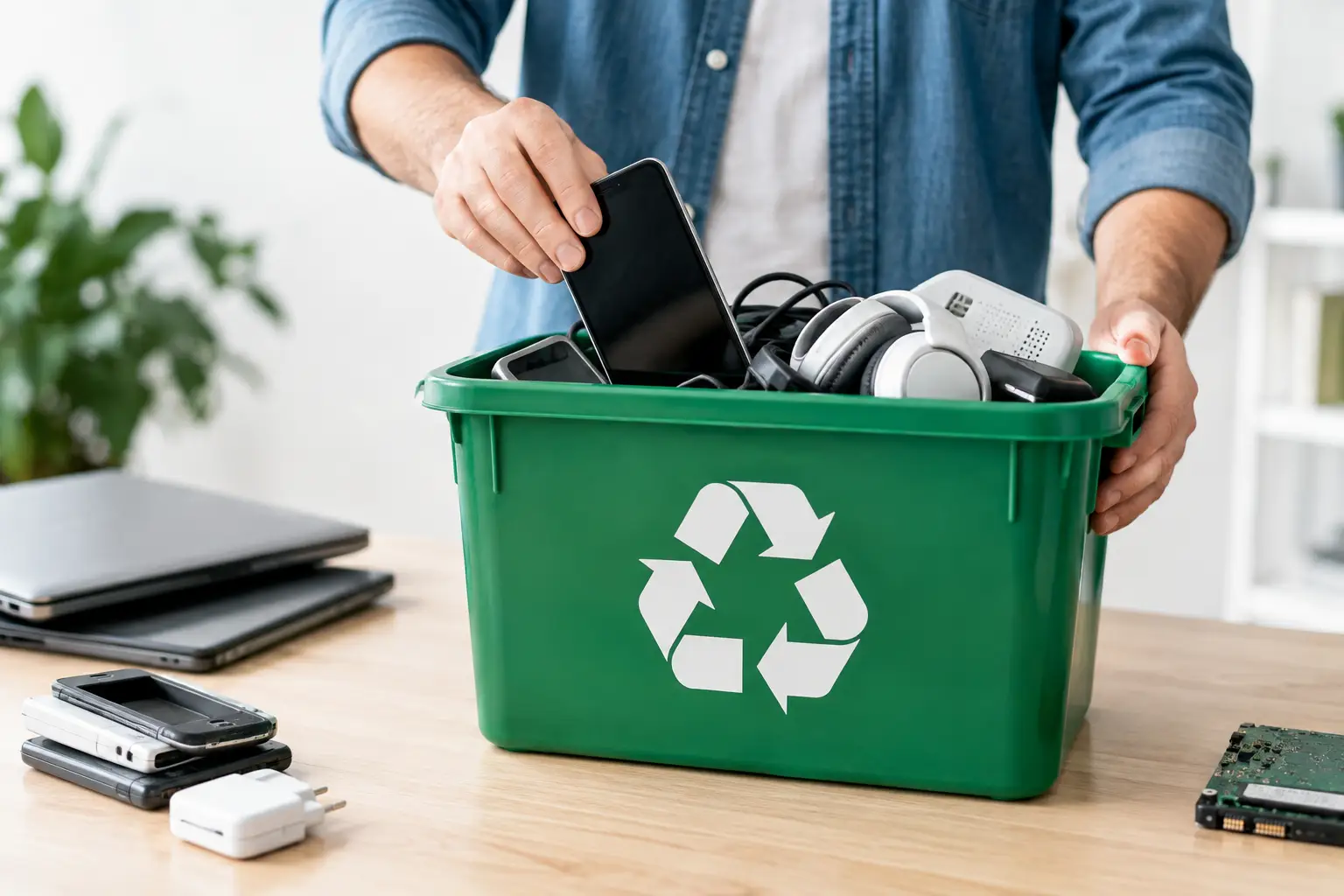
That old laptop in the closet is not just taking up shelf space. It may still hold passwords, tax files, family photos, a swollen battery, and materials that do not belong in the trash. Knowing how to recycle old electronics means dealing with all of it - your data, the device’s condition, and the rules of the place accepting it.
The good news: you do not need to become a tech wizard or make six separate trips across town. A little sorting and a few minutes of prep can get a pile of retired gadgets out of your house without creating a privacy headache or a landfill problem.
What Counts as Old Electronics?
More than people think. Phones, tablets, laptops, desktop towers, monitors, printers, cables, routers, game consoles, smartwatches, keyboards, speakers, DVD players, and small household gadgets all fall under the broad label of e-waste.
Some items need special attention. Flat-screen TVs and computer monitors can contain materials that require dedicated processing. Older tube-style televisions and monitors are heavy, fragile, and often subject to separate acceptance rules. Batteries, especially lithium-ion batteries from phones, power tools, and rechargeable devices, can start fires if crushed or tossed loose into a trash bin.
That does not mean every electronic item has the same destination. A working tablet may be worth selling or donating. A cracked phone with a dead battery is a better candidate for an electronics recycler. A box of tangled cords may be accepted with e-waste, but it depends on the drop-off site. Sort first, then confirm what your chosen location takes.
How to Recycle Old Electronics Without Leaving Your Data Behind
The device may be broken, but its storage can still work. Before you hand over anything that once connected to your accounts, protect your information first.
Start by backing up the files you want to keep. Move photos, documents, contacts, and passwords to a new device or secure storage. Then sign out of your accounts. On phones and tablets, remove the device from services tied to it, such as your cloud account, payment wallet, or device locator. Turn off activation locks before recycling. A locked phone is hard for a recycler to test, refurbish, or process properly.
Next, perform a factory reset. On computers, use the built-in reset or erase tool designed for your operating system. For an older hard drive, especially one containing financial or business records, wiping the drive with secure erasure software or physically removing it may make sense. The best choice depends on how sensitive the information is and whether the recycler accepts devices without their drives.
Do not forget the tiny pieces. Remove SIM cards from phones and memory cards from cameras, tablets, and game systems. Keep them if you need the data, destroy them if you do not. Also pull out personal labels, asset tags, and paperwork taped to the device.
A factory reset is usually enough for everyday household devices when you use a legitimate recycling program. If you are clearing an office, handling an estate, or getting rid of devices with confidential files, ask specifically how the processor handles data destruction. “We recycle electronics” is not the same as a documented data-security process.
Separate Batteries Before You Haul Anything Out
Batteries are where an easy cleanout can turn into a risky one. Loose batteries can touch metal, short out, heat up, and ignite. That is especially true for lithium-ion batteries found in phones, laptops, rechargeable vacuums, e-bikes, power tools, and plenty of other modern gear.
If a battery comes out easily, remove it and set it aside for a battery-specific collection program. Cover the terminals with nonconductive tape when possible, particularly on loose rechargeable batteries. Store them in a dry container away from heat until drop-off day.
Never puncture, bend, crush, or take apart a battery. If one is swollen, leaking, hot, or damaged, do not put it in a bag with other junk. Keep it away from anything flammable, avoid handling it more than necessary, and contact a local hazardous-waste or battery collection program for instructions. This is one item that should never ride loose in a roll-off dumpster or regular trash cart.
Choose the Right Place for Each Device
Your best recycling route depends on what you have, how much of it there is, and whether it still works. Many communities host e-waste collection events or maintain designated drop-off programs. These can be a practical option for a few household devices, though accepted items, fees, and event dates vary.
Retail take-back programs may accept certain small electronics, cables, and rechargeable batteries. Manufacturer take-back programs can be useful for brand-specific items, especially computers, printers, or accessories. Some programs offer mail-in options, but shipping a heavy, outdated printer can cost more effort than it is worth.
For working items, reuse comes first. Sell it, pass it to someone who needs it, or donate it only if it is safe, functional, and complete enough to be useful. A donation center is not a finish line for broken gear. Dropping off a dead, cracked, obsolete device just shifts the disposal problem onto someone else.
For a big house cleanout, garage purge, or estate project, make an electronics pile before scheduling junk removal. Tell the hauling crew what is in it. A reputable crew can help clear the physical mess, but televisions, batteries, computers, and other e-waste may require a separate disposal route. At Bye-Bye Buckeye, the smart move is to flag those items while requesting a quote so there are no surprises when the crew arrives.
Do Not Put These Electronics in the Trash or Dumpster
It is tempting to toss a broken monitor into the first available bin and call it done. Resist the urge. Electronics can contain recoverable metals, plastics, glass, and components that should be processed separately. More immediately, batteries and damaged devices can create a fire risk in trucks, transfer stations, and landfills.
Keep these out of household garbage and standard construction or household junk dumpsters unless the provider has explicitly told you otherwise:
- TVs, computer monitors, and old tube televisions
- Laptops, desktop computers, tablets, and phones
- Loose rechargeable batteries and power-tool batteries
- Printers, scanners, routers, and external hard drives
- Vapes and other devices with built-in lithium batteries
- Smoke detectors, which may have their own disposal requirements
Rules can differ by county, facility, and item condition. A small electronics collection site may take phones but not televisions. A local hazardous-waste event may accept batteries but limit quantities. Call ahead or check the program’s current list before loading the car. It is a whole lot easier than unloading a trunk full of gadgets because one item was not accepted.
Prep Your Electronics for Drop-Off
Once you know where each item is going, pack it so it arrives safely. Put small devices and cords in a box. Bundle cords loosely rather than tying them into a knot that someone must cut apart later. Keep screens upright and protected with cardboard, towels, or blankets during transport. Do not stack heavy items on a television or monitor.
Bring chargers only when the recycler, buyer, or donation recipient wants them. Chargers are useful for a working device, but a random pile of mystery cords is usually just another sorting job. Label accessories if you know what they belong to.
If you are taking several devices to one collection site, ask whether there is a per-item fee. Fees are common for large TVs, CRT units, and some monitors because they cost more to process. Free is great, but a modest fee from a proper program is better than an illegal dump site or a trash can full of fire hazards.
Make Electronics Recycling a One-Box Habit
The hardest part of recycling old electronics is usually not the recycling. It is the “I’ll deal with it later” pile. Start a small, clearly labeled box in a closet or utility room for dead cords, outdated remotes, broken earbuds, and retired gadgets. Keep batteries separate from that box.
When the box is full, make one planned trip to an approved collection location. If you are already doing a larger cleanout, add electronics to your sorting plan before the truck or dumpster arrives. That one bit of planning keeps hazardous items out of the wrong waste stream and stops old tech from camping in your garage for another five years.
Your old electronics did their job. Clear the data, separate the batteries, choose the right drop-off point, and give that clutter a proper goodbye.